

Browse the offers in your default Adobe Target account, rebuild one from a matching template, and update the offer or the experiences linked to it.
Note
Manage Offers lists the offers of your default Adobe IO integration’s Target account. Without one, it asks you to add an Adobe IO integration: see Connect Adobe Target, Analytics and User Management.
Manage offers #
Go to Experiences → Manage Offers.

- Toggle JSON / All to show only JSON offers or every offer.
- Filter by Offer Type, search by name, and sort by Modified At.
- Experiences shows which Stride experience an offer is linked to (“NA” if none).
- Click an offer name, or choose ⋮ → Edit, to open the offer.

Edit an offer #
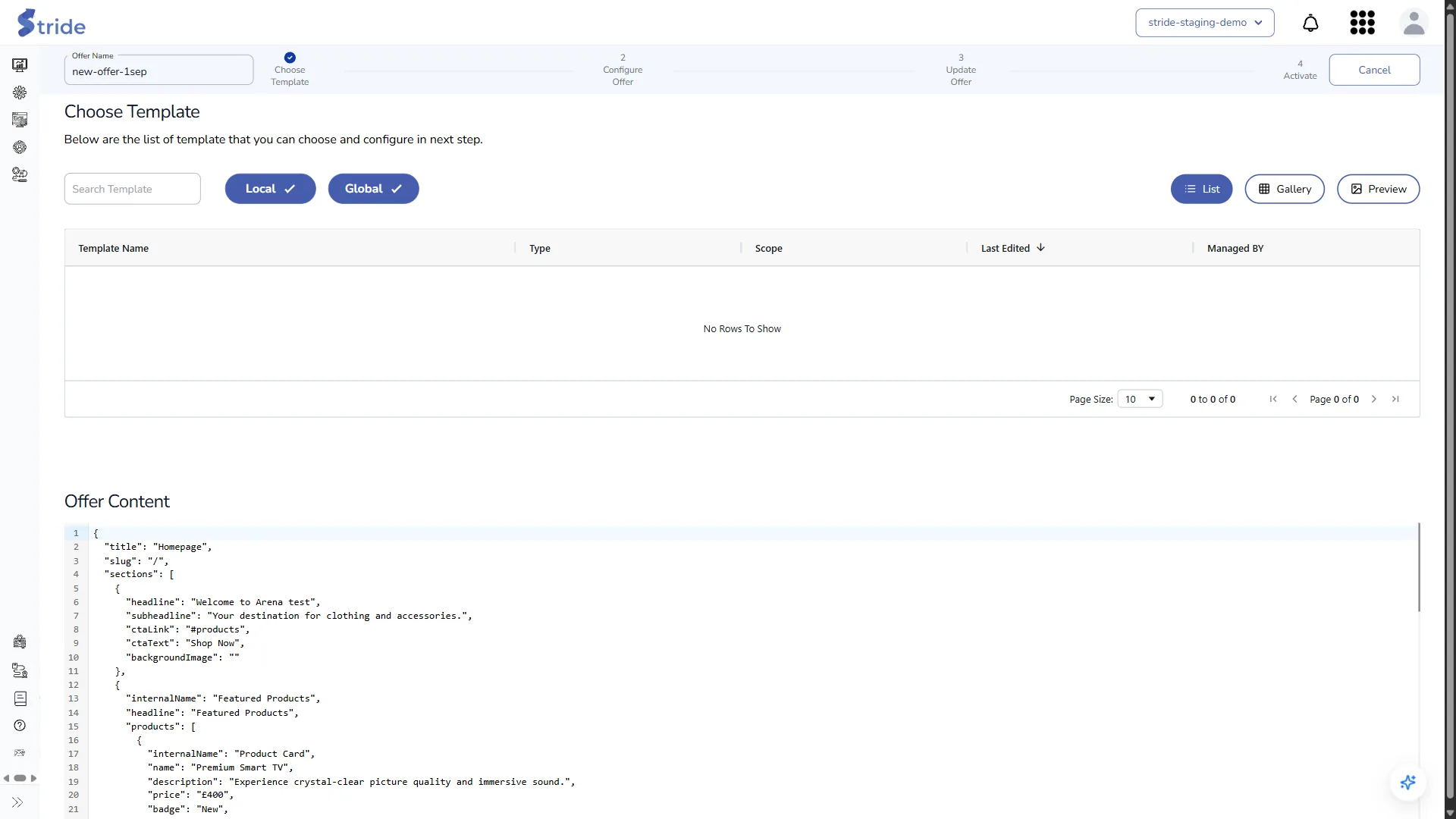
Editing an offer is a four-step wizard: Choose Template → Configure Offer → Update Offer → Activate. It lets you rebuild an offer made outside Stride from a template.
- Choose Template: the current Offer Content is shown below the template list. Only templates whose JSON schema matches the offer content are listed. Click one.
- Configure Offer: change the fields and check the preview, then click Next.
- Update Offer: check the offer code, then choose what to do:
- Update Offer opens a window that lists the experiences linked to this offer, with three options:
- Save as New Offer: create a new offer with this content. The original offer doesn’t change.
- Update Associated Experience: save this content over the approved version of each linked experience. Stride then updates all their activations, including this offer.
- Delink Experience: remove the link between this offer and its experiences, and update the offer.
- Save as Experience (arrow menu): create a new Stride experience from this content.
- Activate in Adobe Target (arrow menu): open the Activate step, which works like step 4 of the experience wizard.
- Update Offer opens a window that lists the experiences linked to this offer, with three options:
Changes live systems
Update Associated Experience and Delink Experience overwrite the offer in Adobe Target, and Update Associated Experience also updates every other activation of the linked experiences. If an offer is used in a live activity, visitors see the change.


